Name a set.
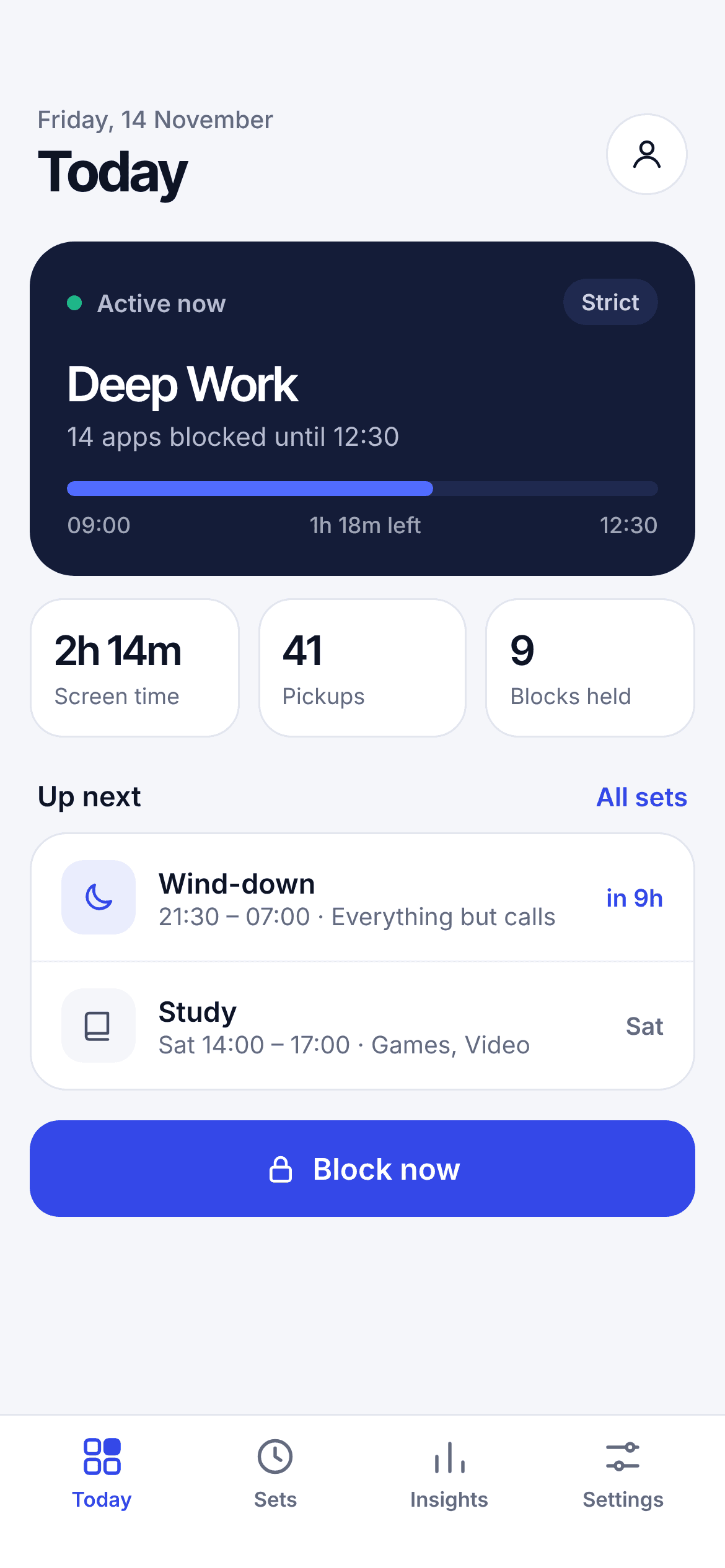
Deep Work. Wind-down. Study. Every block belongs to a named set, with the apps, categories and websites it covers. One tap turns it on or off.
SocialVideoNewsGames
Block the apps that pull you away, on a schedule that fits your life. Calls, alarms and your camera always stay on.
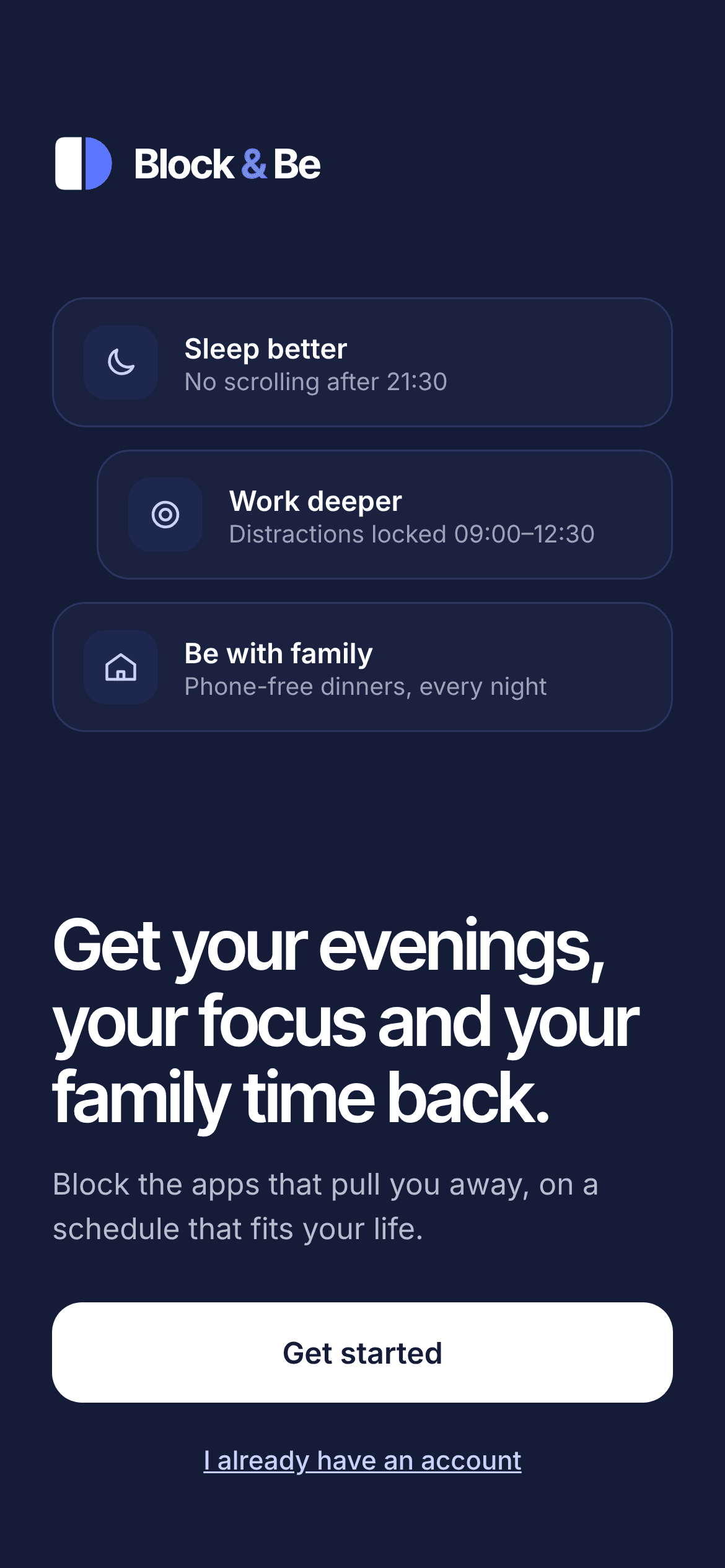
Pick any. Block & Be sets up a schedule for each one, and you can change it later. Most people start with two.
Large studies of young adults link late-night scrolling to more insomnia and less sleep. Setting a limit helped. Block & Be makes the limit automatic, so your phone stops being the last thing you see.
for every extra hour spent on a screen after getting into bed.
less sleep for each of those hours of scrolling in bed.
insomnia symptoms when people kept phone use under 2 hours a day.
Hjetland et al., Frontiers in Psychiatry, 2025 (survey of 45,202 students aged 18–28). Pieh et al., BMC Medicine, 2025 (randomised trial, 3 weeks of a 2-hour daily limit). The 35% is for people who stuck to the limit; across everyone in the trial, symptoms fell by 18%.
In a 2020 randomised trial (PLOS ONE), people who skipped their phone for the 30 minutes before bed fell asleep faster, slept longer and rated their sleep better.
Set your work hours once. Work apps stay open, and everything else waits until you're done. No willpower required at 10:47 on a Tuesday.
Tap Block now and the set takes over until the timer runs out. Need more time? Add 15 minutes. Want out? You can, but in strict mode it costs you a 60-second wait.
Dinner, bedtime stories, weekends. Everything goes quiet except calls and your camera, so the people across the table get all of you.
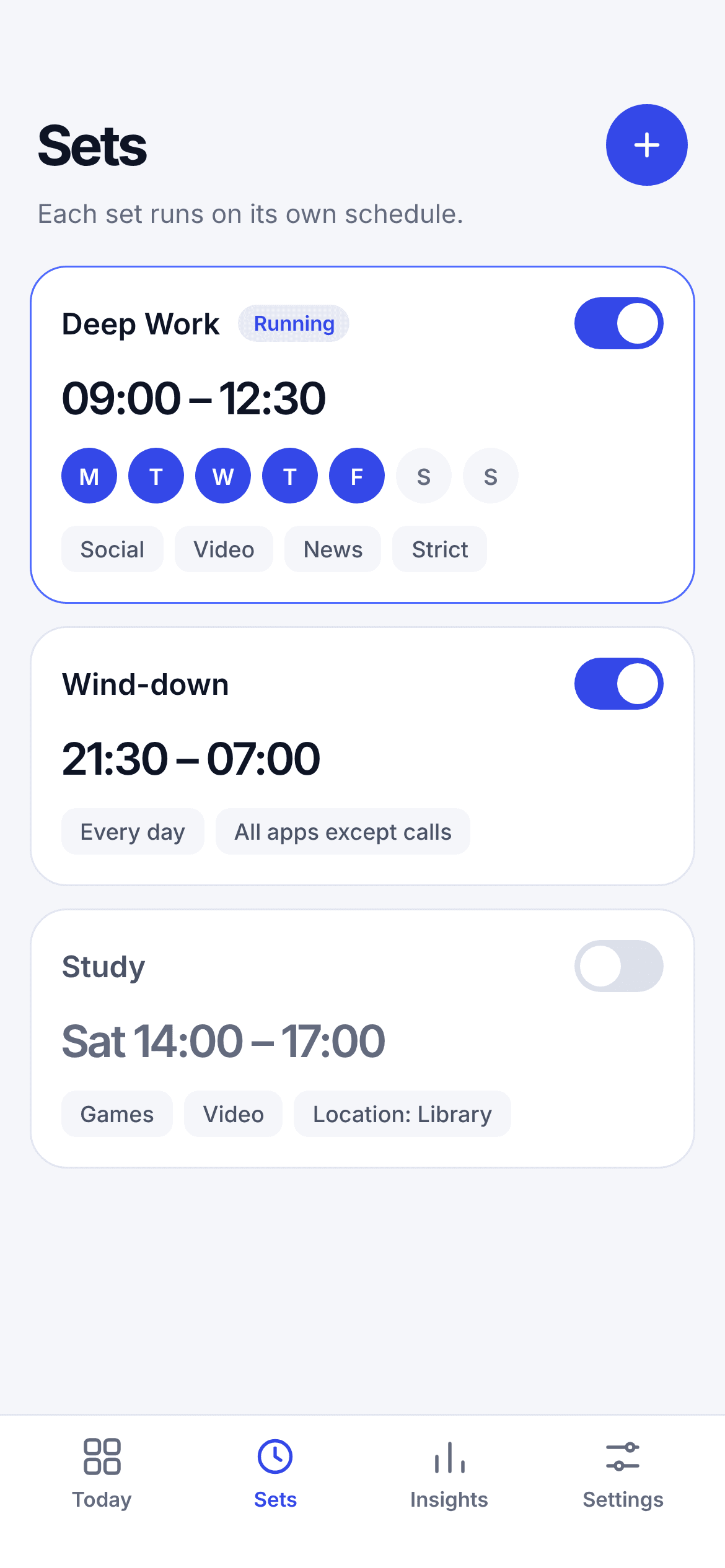
Deep Work. Wind-down. Study. Every block belongs to a named set, with the apps, categories and websites it covers. One tap turns it on or off.
Each set runs on its own clock, on the days you pick. Your Today screen shows what's active, how long is left, and what's up next.
Turn on strict mode and a set can't be switched off halfway through. Ending early means a 60-second wait first. That's usually long enough to change your mind.
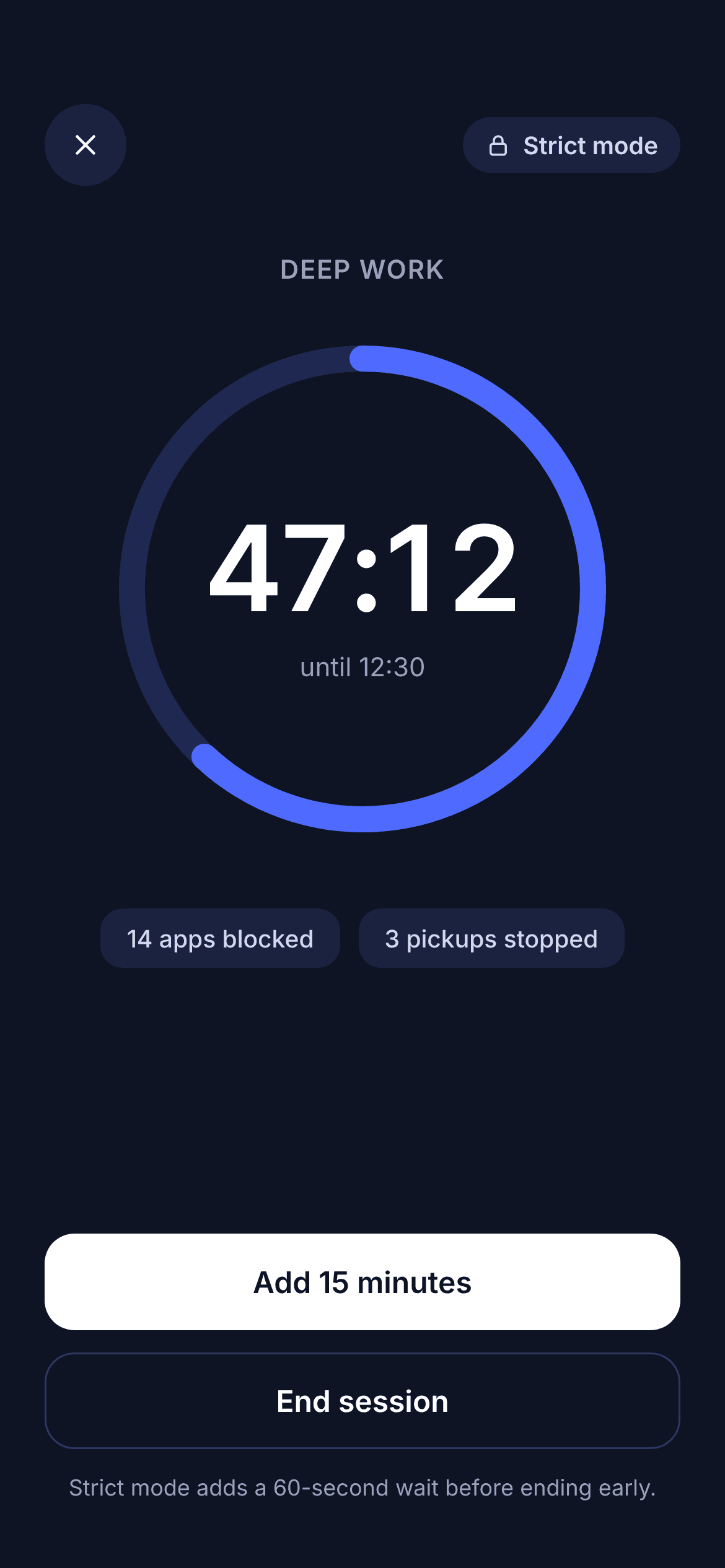
Open a blocked app mid-set and Block & Be meets you with plain facts: which set is running, when it ends, and how many times you've tried today. No guilt trip. Just the information you need to put the phone back down.
No mascot, no guilt and no streak fireworks. Plain language and quiet colour that respect the person using it.
Every block belongs to a named set, like Deep Work or Wind-down, with its own apps, schedule and strictness.
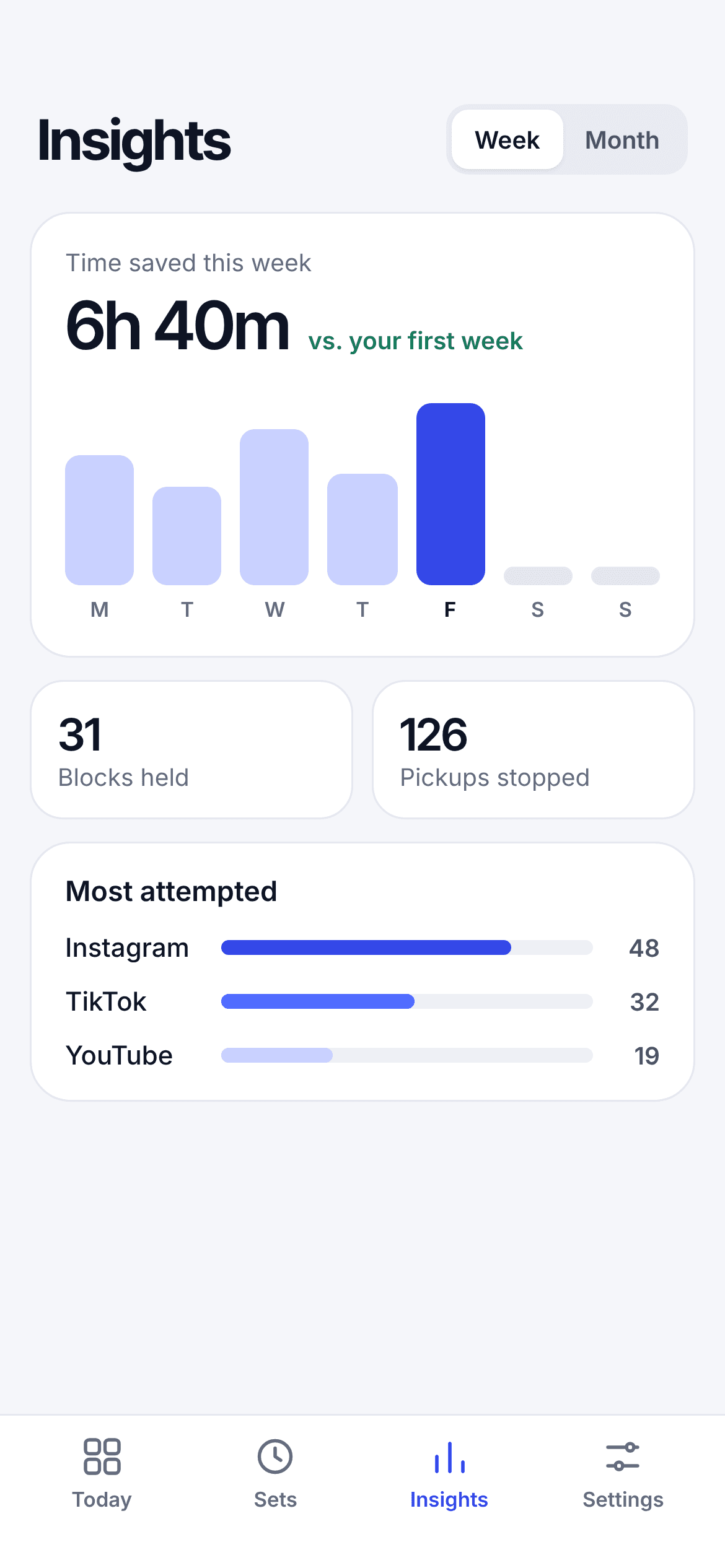
Time saved, blocks held and pickups stopped, shown exactly and never rounded up to make you feel good.
Time saved, blocks held, pickups stopped. Shown exactly, with no streak confetti and no spin.
Block & Be is free to download. Pro unlocks unlimited sets, strict mode and full insights. Try it for 3 days, and cancel anytime in Settings.
Better evenings, deeper focus, more time with the people you love. Free on the App Store for iPhone.